Xero invoicing - Settings
Here you configure the connection to Xero.
Tip
See Connect to Xero if the connection to Xero has not yet been established.

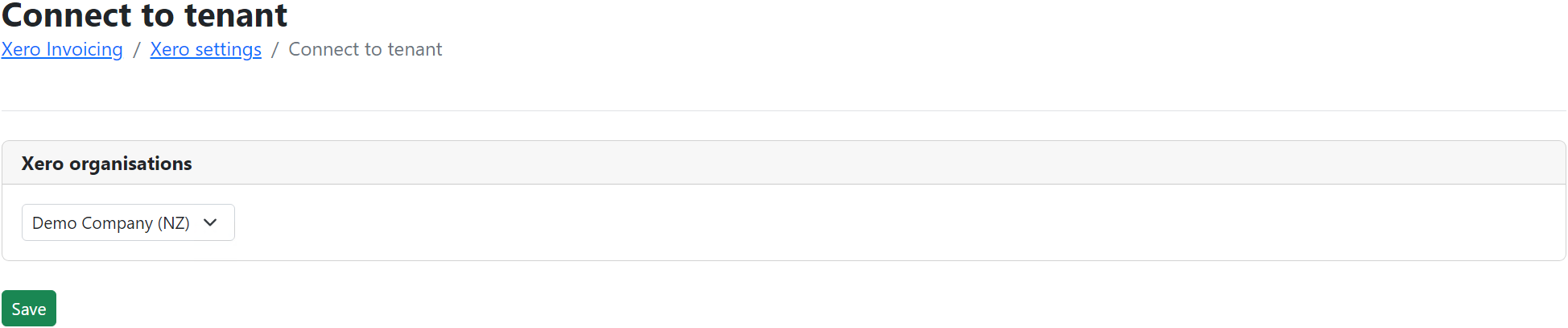
Connect to tenant
Select a Xero tenant/organization for OpsCentre to send invoices to and click/tap save button.
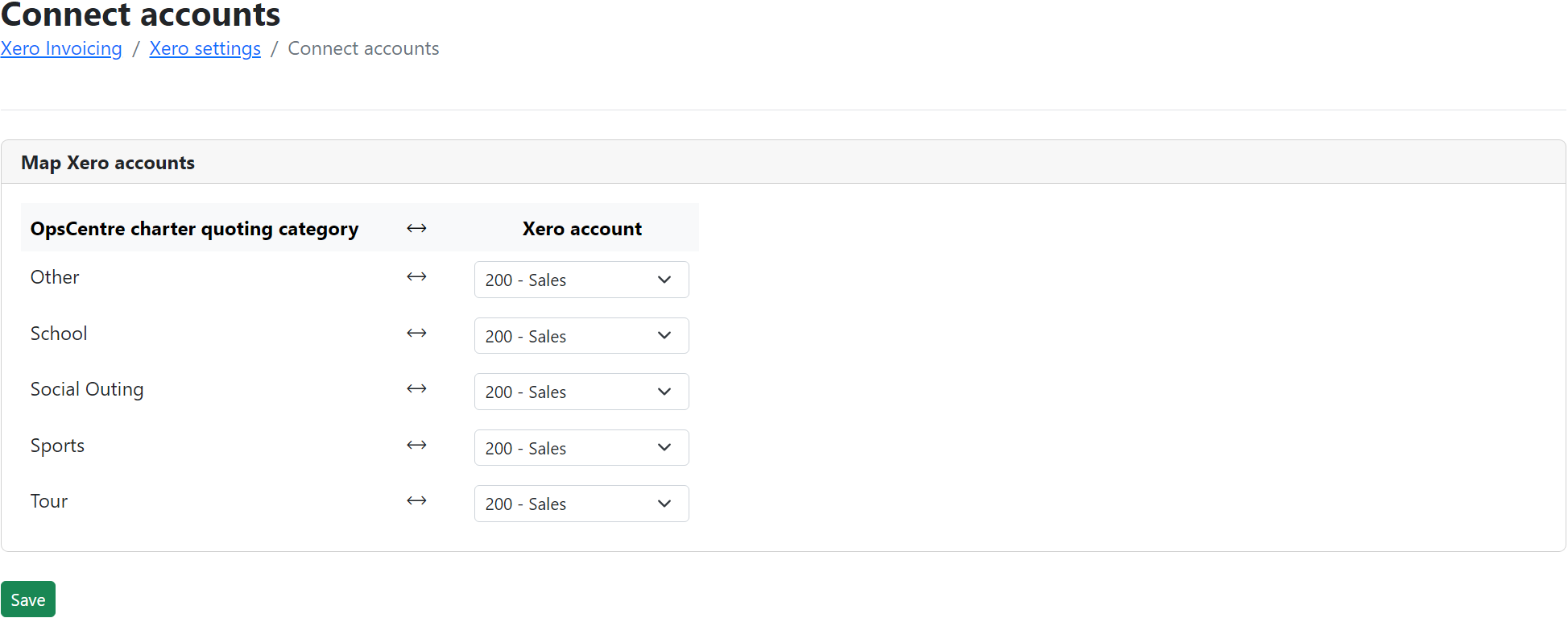
Connect accounts
Select a Xero account for each OpsCentre charter quoting category click/tap save button.
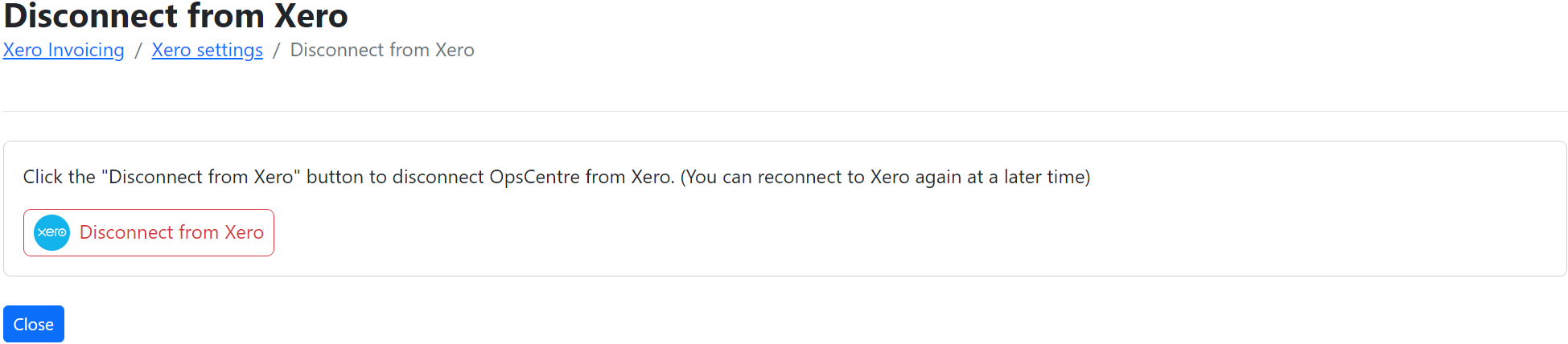
Disconnect from Xero
This will disconnect OpsCentre from Xero and invoicing through Xero will be disabled. Reconnecting to Xero can be done at any time.
Connect to Xero
This screen is presented if OpsCentre is not currently connected to Xero (or becomes disconnected).

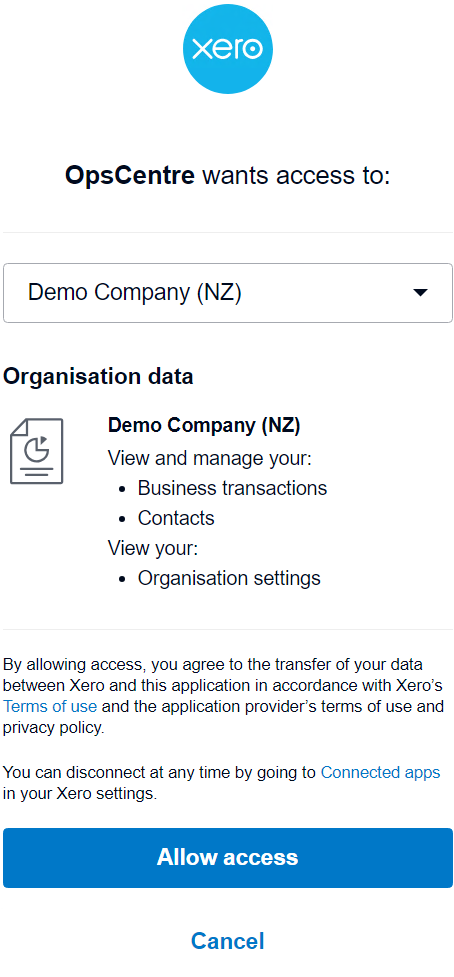
Click/tap on the blue "Connect to Xero" button. This will take you to Xero to log in and grant the necessary access for OpsCentre to communicate with Xero.
Info
Connect to tenant and Connect accounts screens will be presented next and must be completed prior to being able to send invoices to Xero.