Schedule overview
This area allows view the .
Here, the operational schedule can be viewed and allocation changes can be made.
Selecting a time period to view
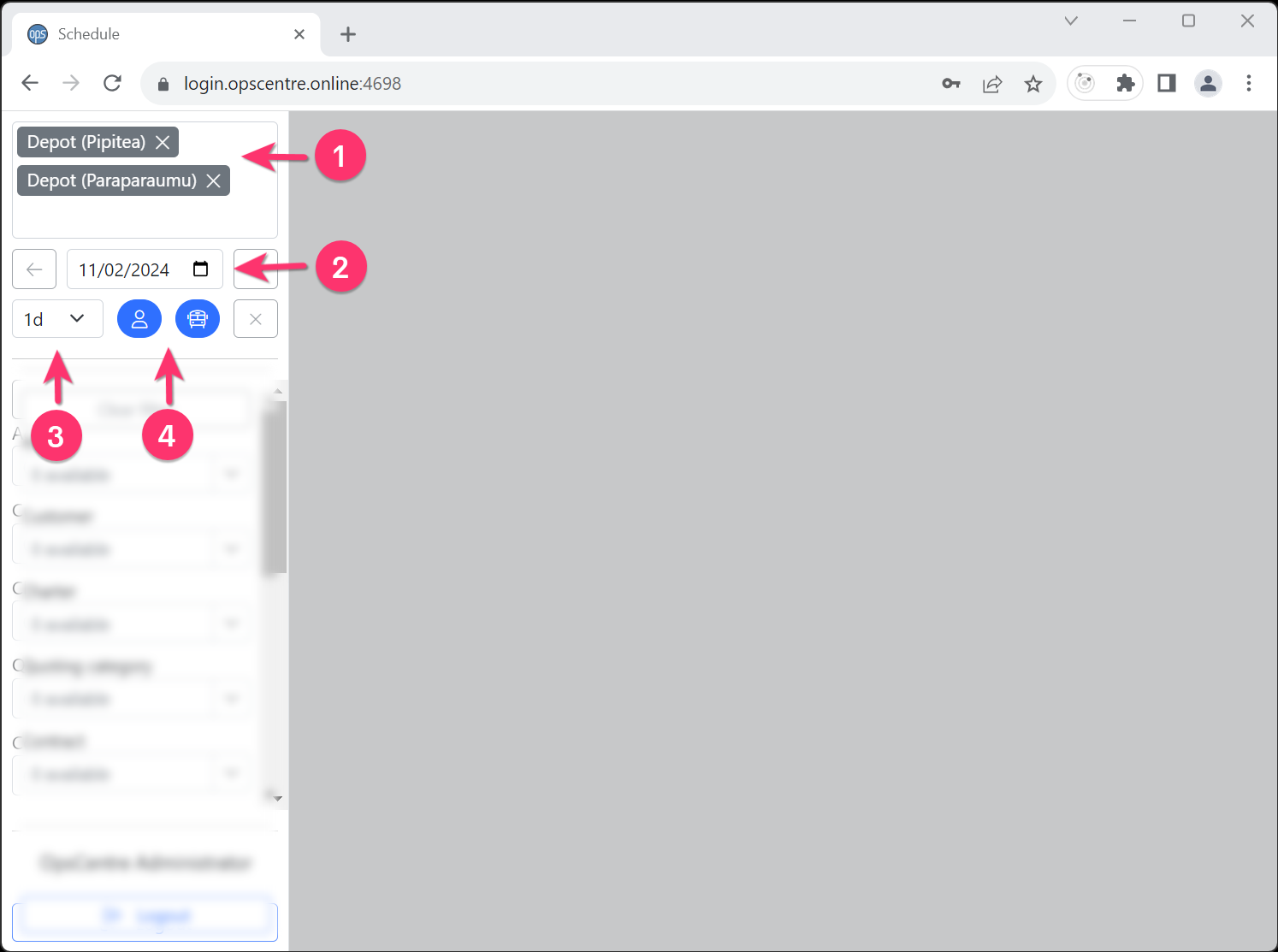
Upon first opening OpsCentre, the left hand menu is used to select the time period to view.
- Ensure the correct depot/s is/are selected.
- Select the date for the period to view.
- Optionally select how many days to view.
- Click either on the employee or vehicle button to load the appropriate data.
Once the data for an initial time period has been loaded, click on the left/right arrow buttons to move back/forward the time period being viewed.
Alternatively, repeat the time period selection steps.